
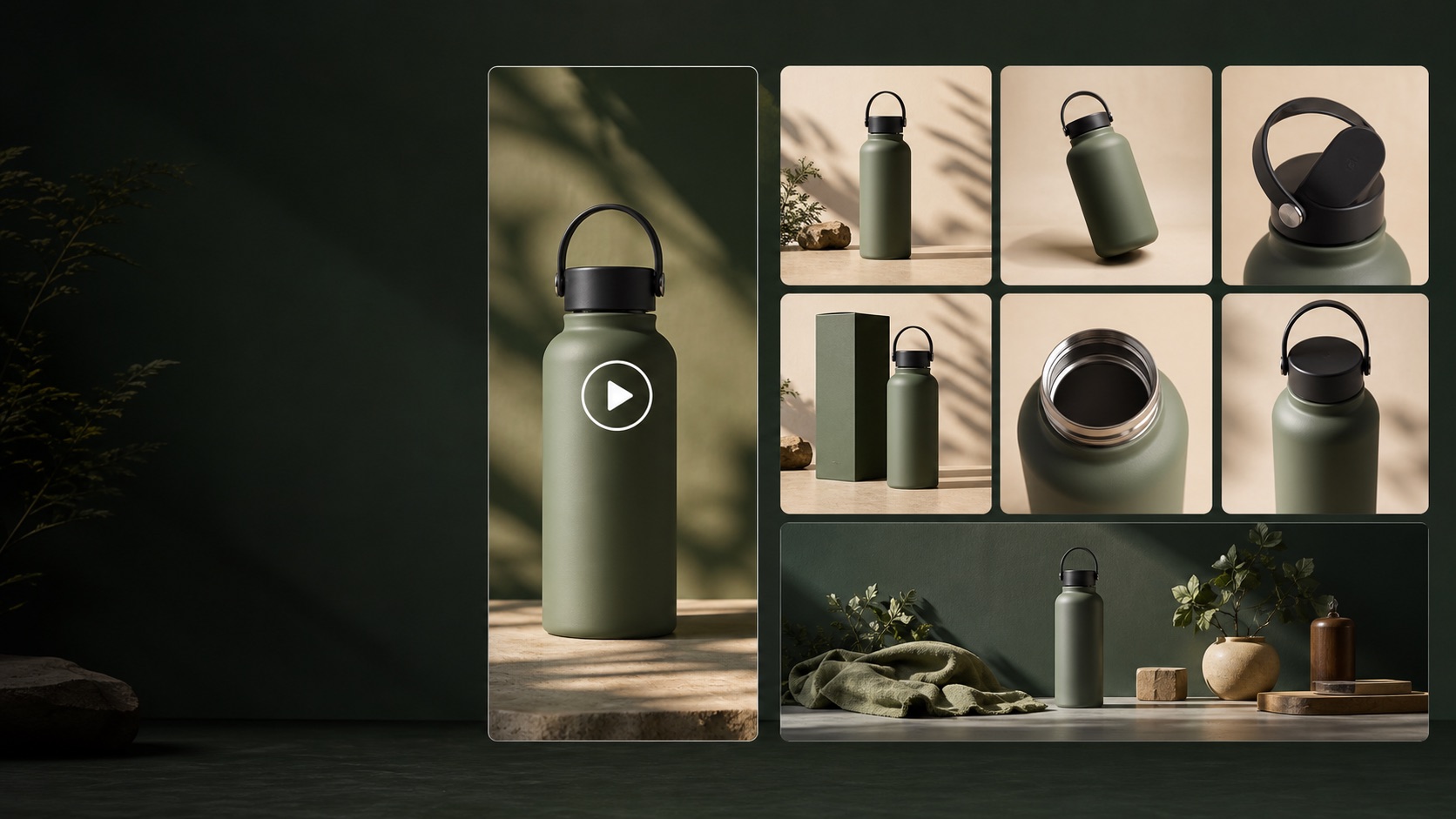
Shopify Product Image Sizes 2026: Dimensions and File Limits
Shopify product image dimensions, file types, size limits, video requirements and consistent-ratio guidance from the official Help Center.
Shopify themes control how media is displayed, so a single magic pixel size cannot guarantee the same result everywhere. Start with high-quality files, keep featured images on a consistent aspect ratio and let the CDN serve context-appropriate sizes.
Shopify Product Image Sizes 2026 cheat sheet
| Format | Recommended | Minimum / limit | Notes |
|---|---|---|---|
| Product and collection image | 2048×2048 px usually displays well for square products | Up to 5000×5000 px; under 20 MB | PNG and JPEG are common choices; WebP and other supported formats may be served by Shopify's imagery service. |
| Featured-image consistency | Use one consistent aspect ratio across a collection | Theme-dependent | Consistent height-to-width ratios prevent product grids from looking uneven. |
| Product video | Upload a clear source up to 4K | Up to 10 minutes and 1 GB | Supported upload formats include MP4, MOV and WebM; Shopify serves compatible versions to customers. |
| 3D product model | GLB or USDZ | Up to 500 MB | Theme support matters; test the customer-facing product page after upload. |
How to prepare the creative
- Crop the main product consistently across products before uploading so collection pages feel intentional.
- Compress large originals without removing the detail customers need to judge the product.
- Test the product page on mobile; the theme may crop or resize media differently from the admin preview.
Specs change—use this as a preflight checklist
The linked first-party documentation is the final authority at upload time. Check the campaign objective, placement, region and account interface before publishing, then compare the live preview with the source asset.
References and methodology
We use primary documentation where available and treat calculators as planning aids, not guarantees. Check the linked source when a platform changes its rules.
- Shopify Help Center: Product media types
Official image, video and 3D model requirements.
- Shopify Help Center: Using the media editor
First-party editing and cropping workflow.
- Shopify Blog: Product photography
High-authority guidance for product imagery and presentation.
Turn this answer into a repeatable growth workflow.
Use the free result as your starting point, then move the next campaign, creative or growth decision into GrowthGPT when the work becomes repetitive.